Resources Hub: Plain-English Printing Guides & Studies
New to 3D printing or tired of confusing engineering jargon? Browse our 2026 benchmark studies, troubleshooting guides, and free printable .STL packs below, or scroll down for 60-second measuring and plastic quick-start guides.
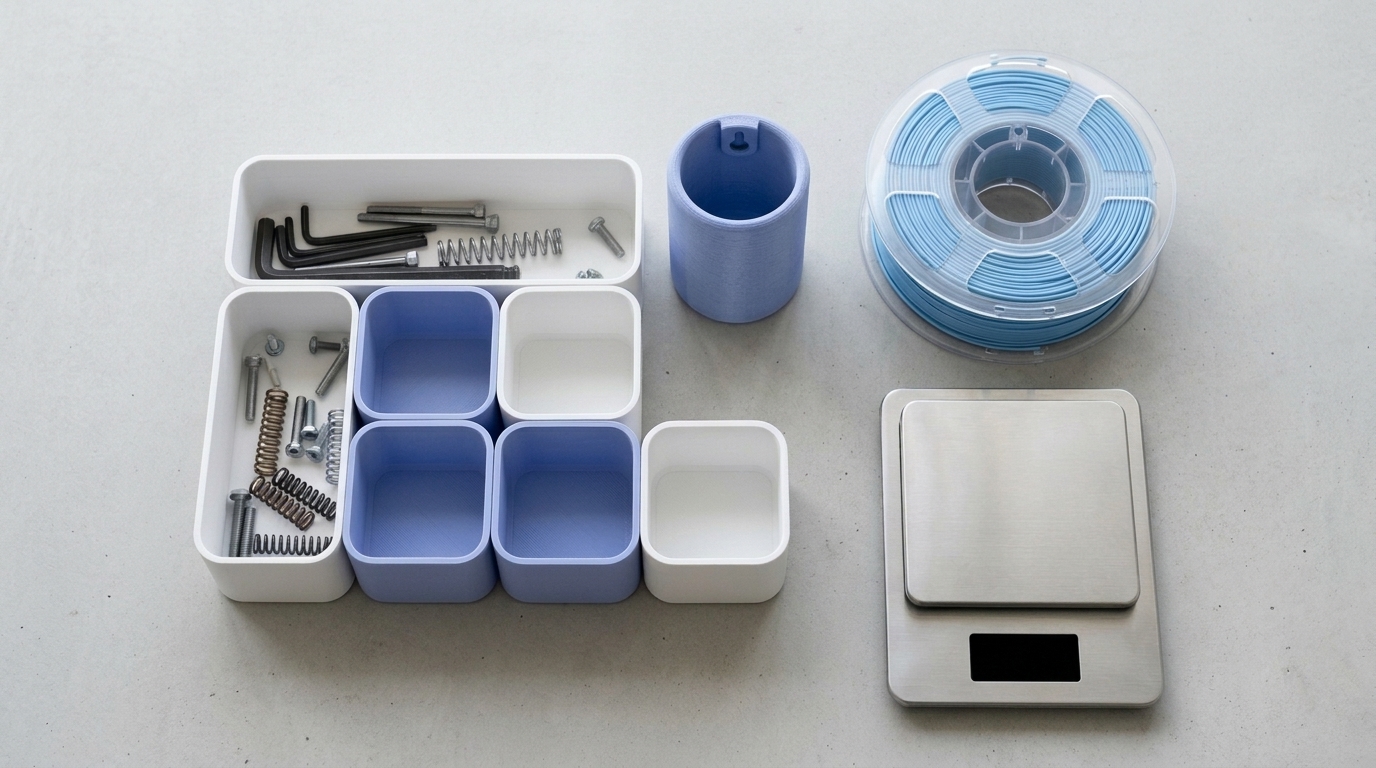
3D Printed vs. Store-Bought Organizer Cost Study
Real plastic weight and 18.17¢/kWh electricity costs vs. IKEA and Uline retail prices.
9 min read →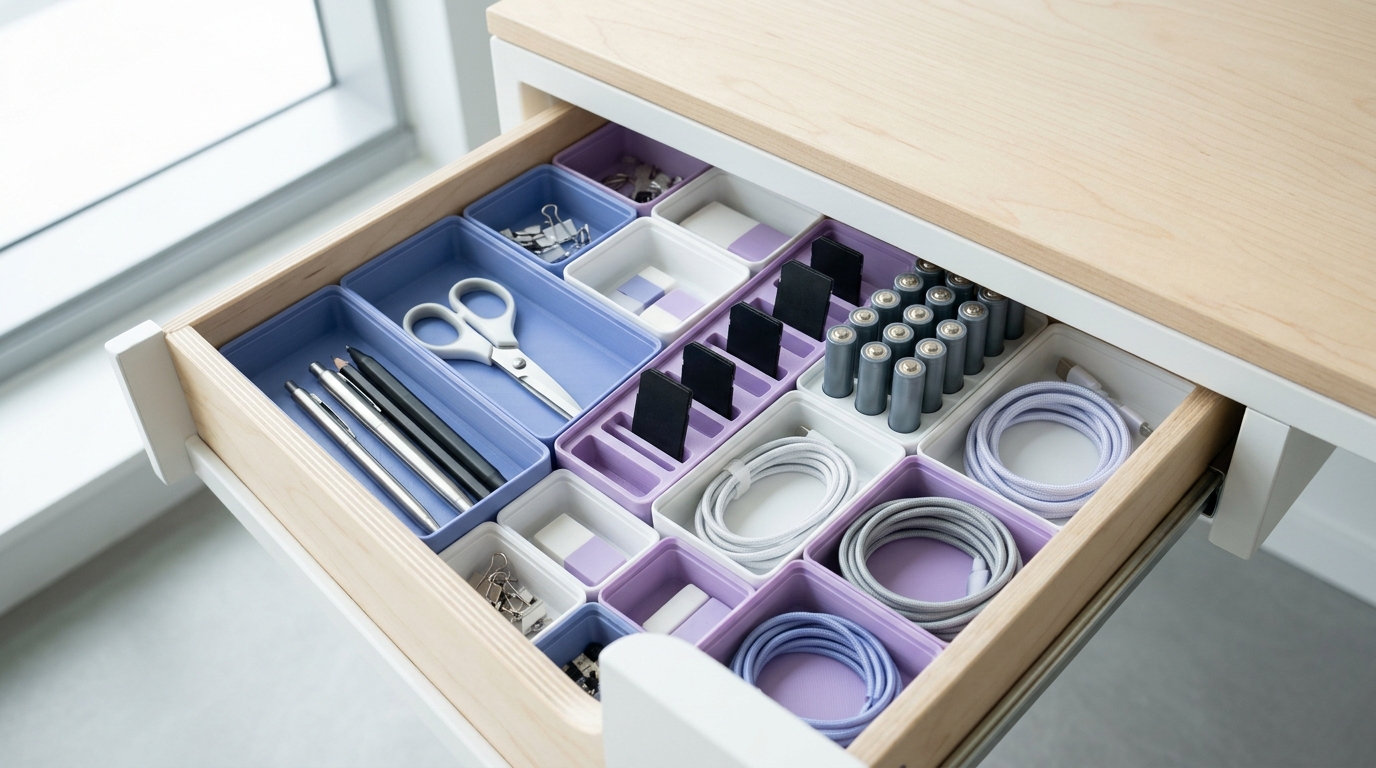
12 Free Printable Gridfinity Desk Drawer .STL Files
Ready-to-slice drawer cups, pen trays, SD card holders, battery caddies, and USB clips.
6 min read →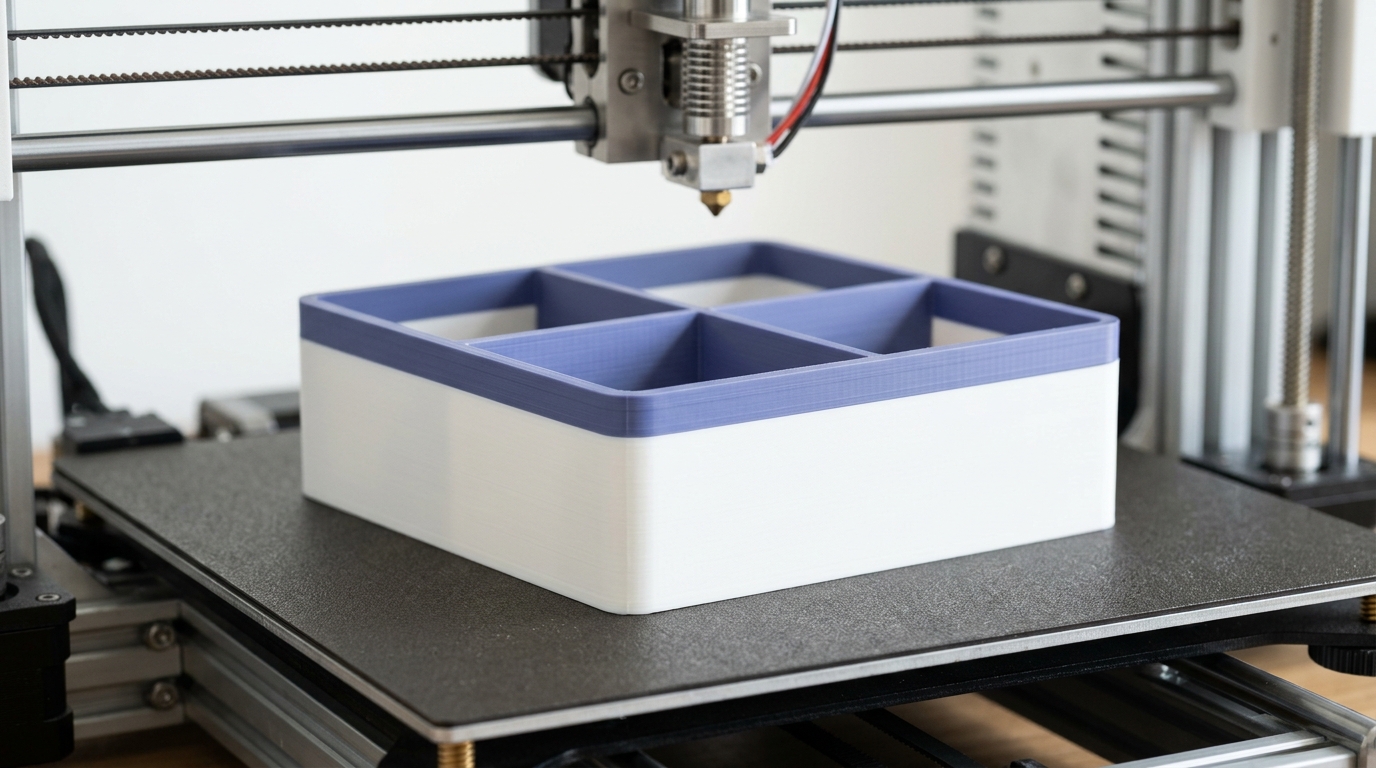
How to Stop PETG & PLA Warping and Stringing
Five plain-English fixes for lifted corners and fuzzy cobwebs on wide storage bins.
7 min read →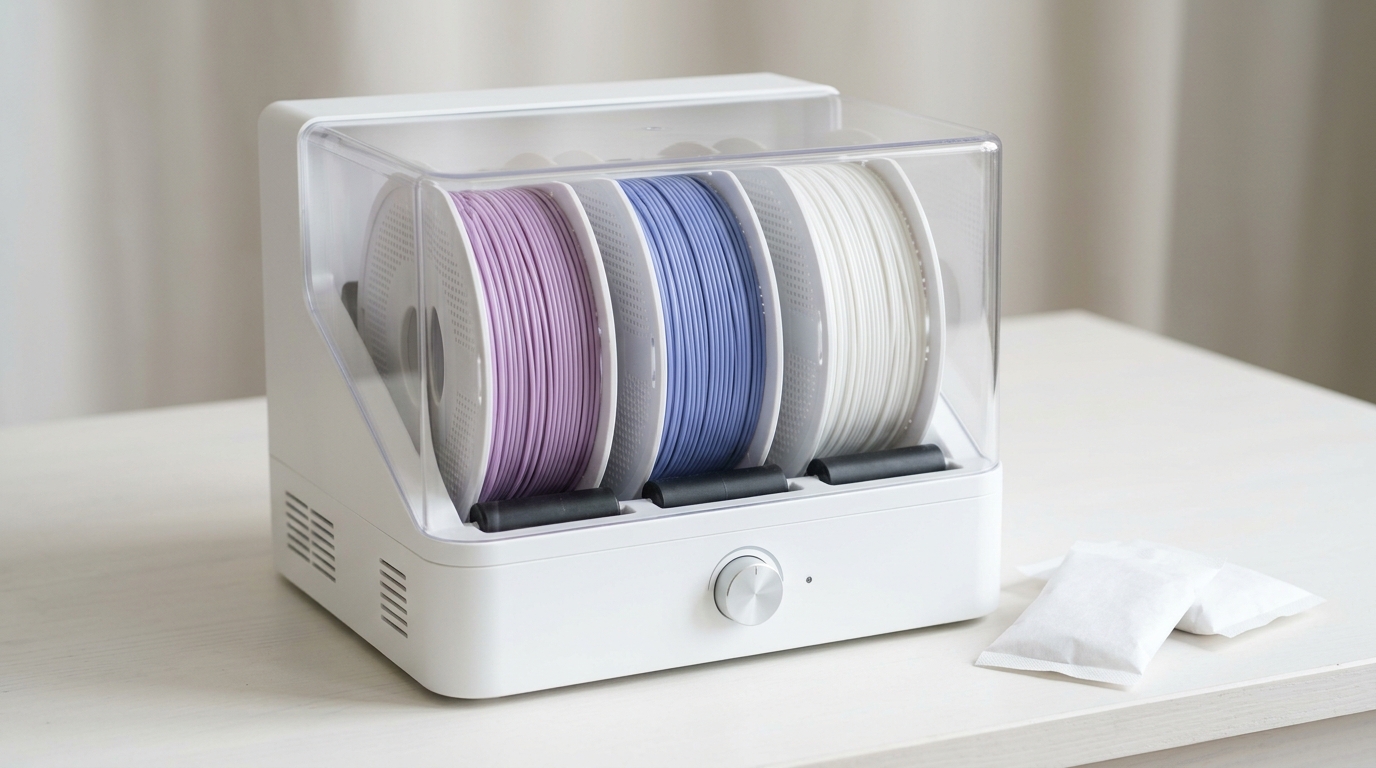
Filament Drying, Power Draw & True Print Cost Study
Moisture pickup speed, safe drying temperatures, wattage draw, and total part cost.
8 min read →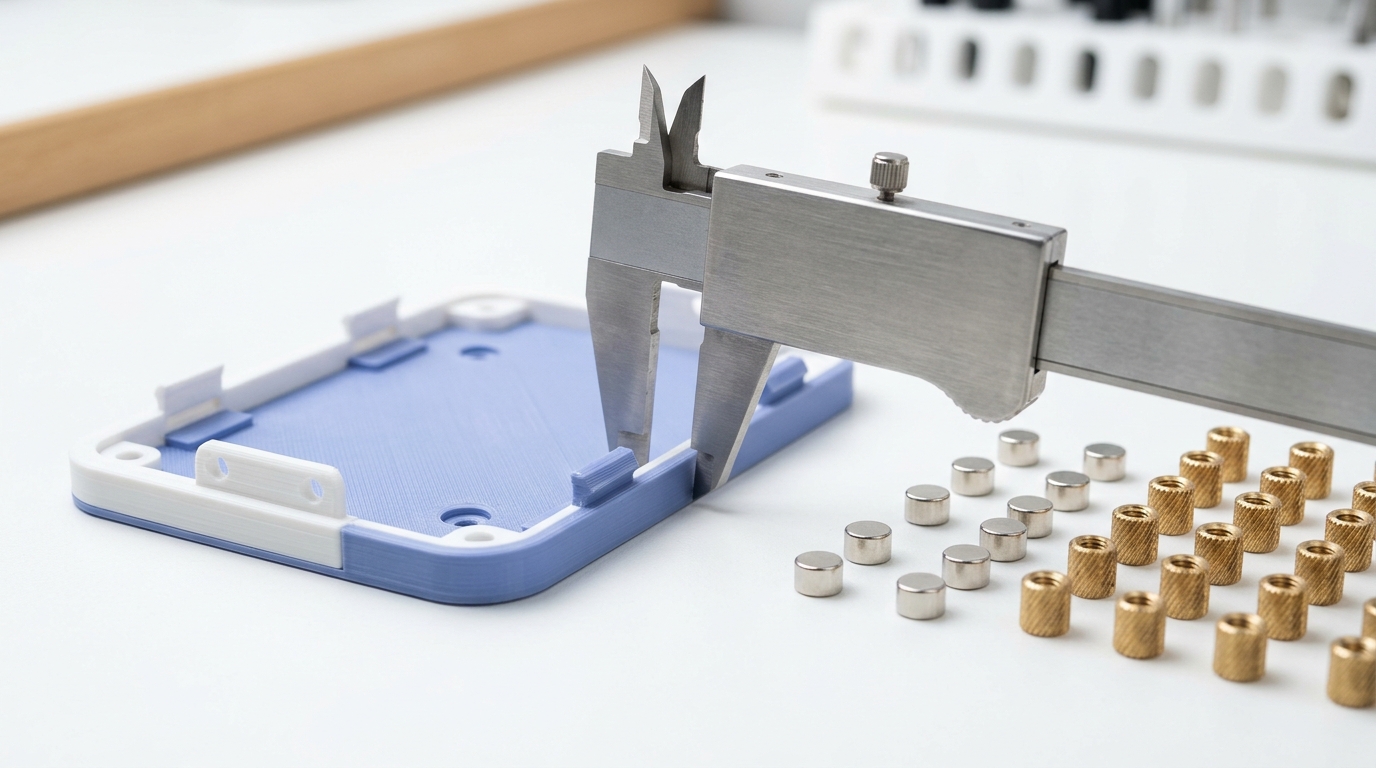
3D Printing Tolerance, Clearance & Fit Study
Measured hole shrinkage, 6×2mm magnet pockets, M3 inserts, and snap-fit lid gaps.
8 min read →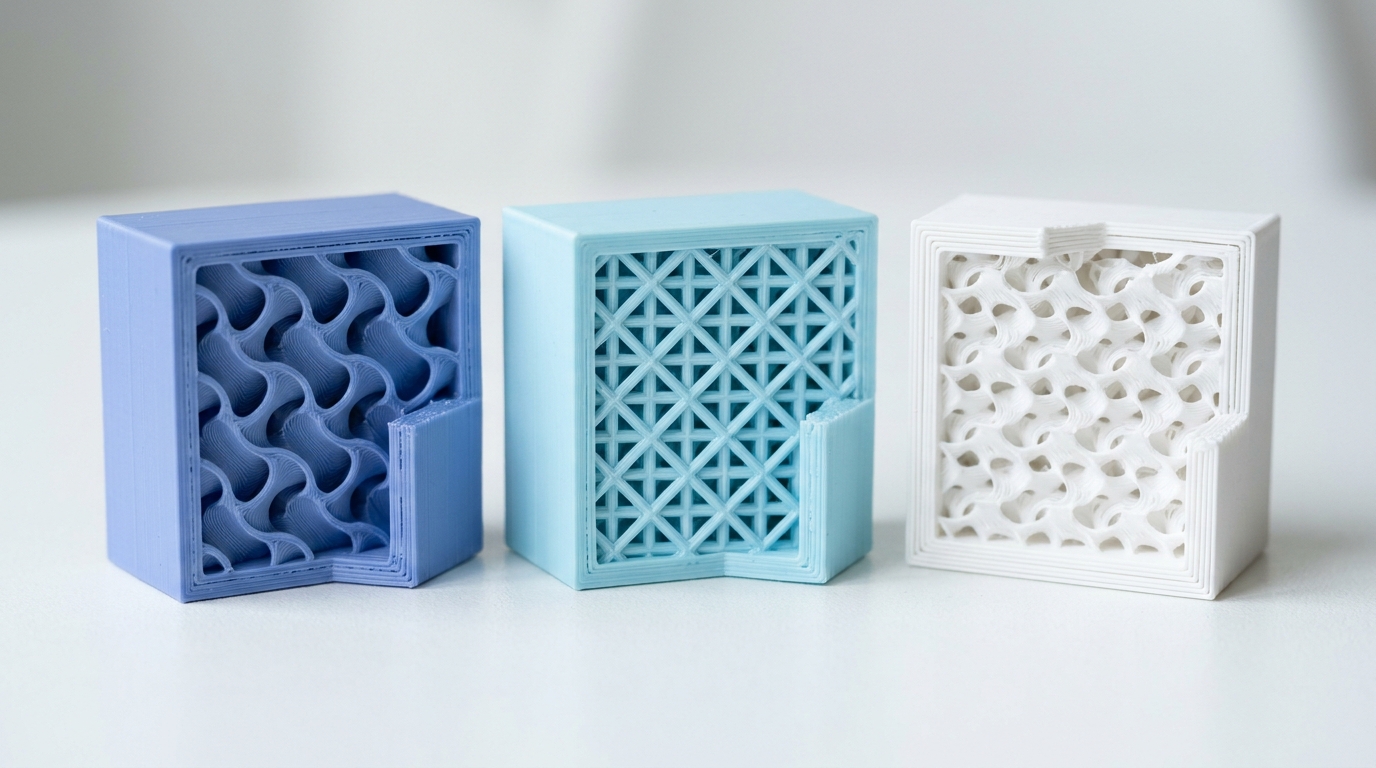
Gyroid vs. Cubic Infill & Wall Loops Study
Why 4 outer walls beat 40% grid infill and how a 0.6mm nozzle cuts print times by 41%.
8 min read →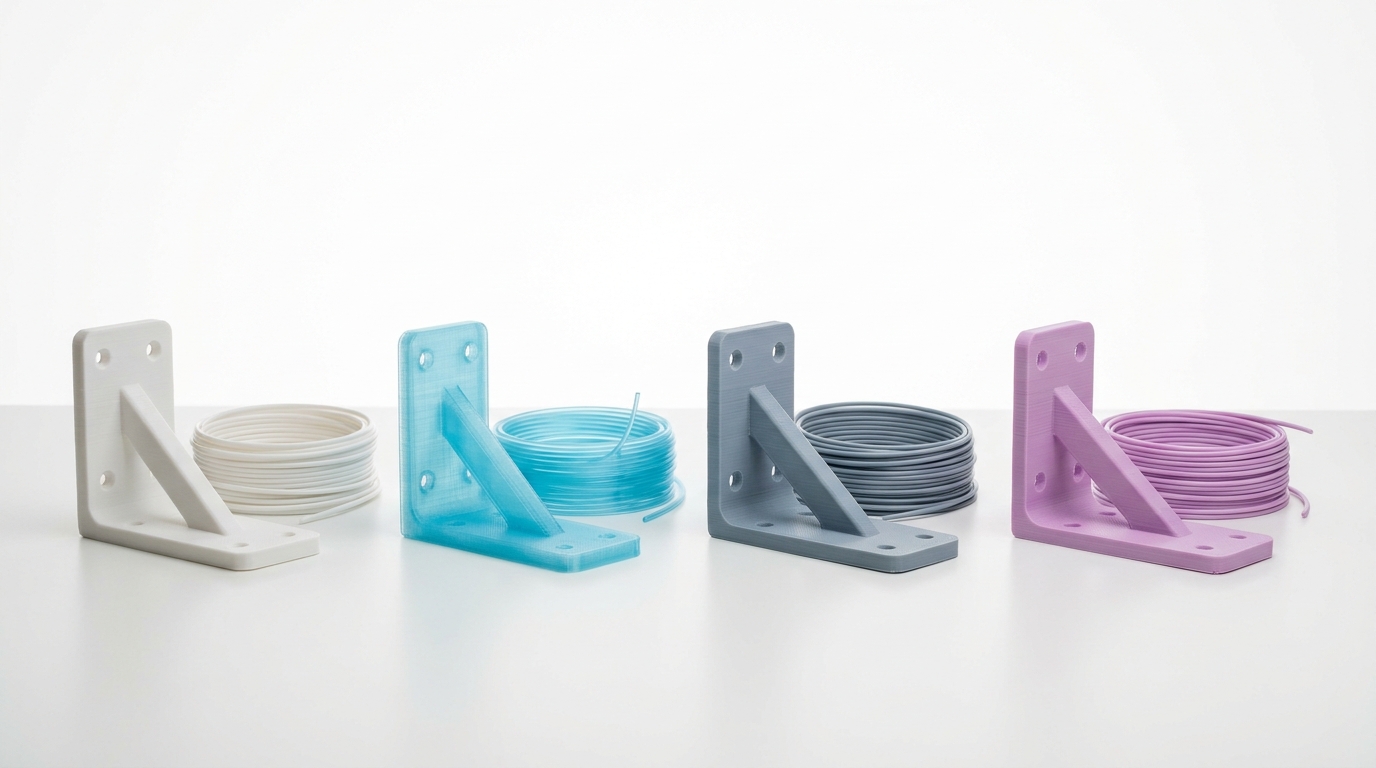
PLA vs. PETG vs. ASA vs. TPU Heat & Strength Study
Heat softening limits, Z-layer bond strength, 0.4mm fit clearances, and cost per print.
8 min read →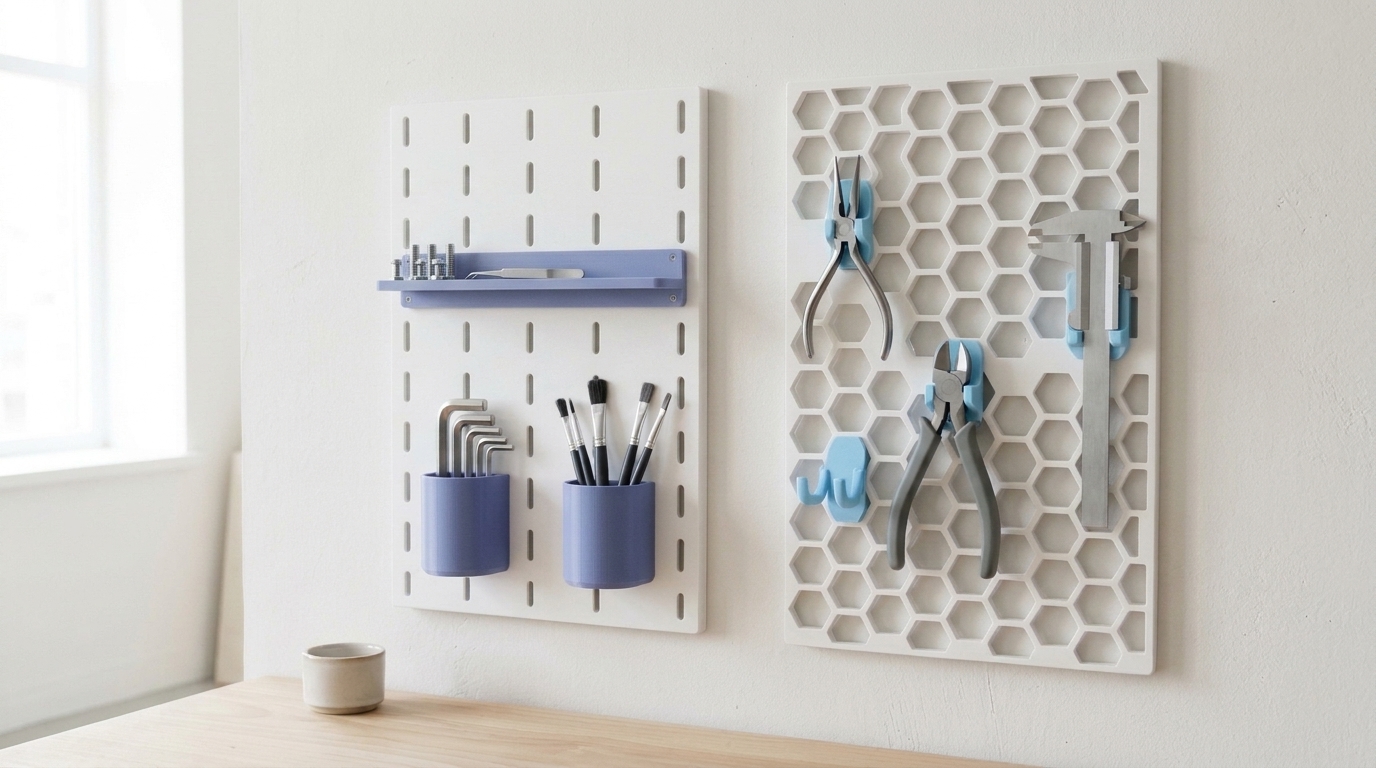
Gridfinity vs. Skadis vs. HSW vs. Multiboard Study
Filament grams, print hours, and hook loads measured per square foot across 4 systems.
9 min read →Guide 1: How to Go from a Downloaded .STL File to a Finished Print
1. Pick & Size Your Part
Open any of our 11 interactive 3D makers and slide the width, depth, height, or number of sections to match your drawer or wall.
Open Tools Hub →2. Download Your .STL File
Click Download .STL to save a ready-to-print file to your computer, or grab one of our 14 instant starter sizes with one click.
Get Instant .STL Files →3. Drop into Your Slicer
Drag the .STL file onto the virtual build plate in Bambu Studio, OrcaSlicer, PrusaSlicer, or UltiMaker Cura. It is already flat and sized in mm.
Try Drawer Bin Maker →4. Slice & Print (Supports OFF)
Leave Supports OFF, choose standard 0.20mm layer height, and press Print. Every design prints cleanly without support scaffolding.
Read Print Tips Guide →Guide 2: How to Measure Your Drawer or Wall Pegboard in 60 Seconds
Get Printable Paper Ruler →42mm Drawer Grids (Gridfinity)
Measure the flat inside of your drawer in mm and divide by 42mm (for example, a 300mm drawer fits 7 squares across at 294mm).
Open Drawer Layout Maker →40mm IKEA Skadis Pegboards
Genuine IKEA Skadis boards have vertical oval slots spaced 40mm apart from left to right across staggered 20mm rows on a 5mm thick board.
Make Skadis Holders →20mm Honeycomb Wall (HSW)
If your wall panel uses hexagonal honeycomb cells that measure 20mm across the flats inside each hex, use our 19.75mm HSW hex plugs.
Make HSW Shelves & Hooks →25mm Multiboard Wall Tiles
If your wall grid uses octagon holes spaced every 25mm center-to-center (21.4mm across the octagon flats), use our Multiboard maker.
Make Multiboard Parts →Guide 3: Which 3D Printer Plastic Should You Use?
PLA / PLA+ (Indoor Everyday)
Easy to print, stiff, zero odor, and comes in matte colors. Best for indoor drawer bins, board-game card trays, and desk organizers.
Make Indoor Drawer Bins →PETG (Clips, Hooks & Kitchen)
Slightly flexible so snap clips and hooks never crack. Best for snap-fit electronics lids, pegboard holders, brackets, and cable clips.
Make Snap-Fit Boxes →ASA (Outdoor & Hot Garage)
Weatherproof outdoor plastic that resists sun and high summer heat. Best for outdoor vegetable garden stakes and hot car or garage mounts.
Make Garden Stakes →Compare All Plastics (Data)
See exact 2026 heat softening temperatures, layer strength, shrinkage clearances, and cost per print across PLA, PETG, ASA, and TPU.
Read 2026 Filament Study →Site Help, Commercial License & Directory
About 3D PrintHaus
Meet the workshop team and see how we test fit gaps across Bambu Lab, Prusa, and Creality printers.
Read About Us →Can I Sell My 3D Prints?
Yes! Read our plain-English license covering personal prints, makerspaces, and selling physical prints.
View License →Full Site Directory
View every page, tool, downloadable pack, and policy link on 3D PrintHaus in one simple list.
Open Directory →Contact the Workshop
Have a drawer size question, print fit request, or idea for a new parametric tool? Send us a note.
Get in Touch →Frequently Asked Questions
What is an .STL file in plain English?
An .STL file is the universal 3D shape file that every home 3D printer understands. When you download an .STL file from 3D PrintHaus, you drop it into your printer's free slicing program (like Bambu Studio, PrusaSlicer, or Cura) and click Print.
Should I buy PLA or PETG plastic for home organization prints?
Start with PLA for indoor drawer bins, board-game card trays, and desk organizers because it prints quickly and comes in hundreds of matte colors. Choose PETG when you need slight flexibility or heat resistance—like snap-shut electronics lids, heavy pegboard hooks, or garage parts.
Will 3D PrintHaus drawer bins and wall holders fit standard grids and pegboards?
Yes. Our drawer bins are sized to standard 42mm Gridfinity squares so they drop right onto any 42mm baseplate, our pegboard holders match 40mm IKEA Skadis slots, and our hex and wall hooks match 20mm Honeycomb Storage Wall and 25mm Multiboard panels.
What should I do if a snap lid or pegboard hook feels slightly too tight?
Different printers squeeze the first layer of plastic slightly differently. Open the tool, slide the Fit Gap (Clearance) control up by 0.05mm or 0.10mm, and download the looser .STL file.